

Download App



 Nov 02, 2026



Modern Indian flats often have thick walls, multiple rooms, and many connected devices. These factors can create uneven Wi-Fi coverage across different areas. Dead zones can appear in bedrooms, workstations, or areas far from the router. A properly designed installation can enhance signal coverage within your home. Everyday connectivity can be enhanced by dual-band technology and smart placement.
Concrete walls and thick partitions can weaken wireless signals as they travel between rooms. This is especially true in larger 2BHK and 3BHK apartments. Signal strength can also be reduced by furniture, metal surfaces, and appliances.
Single-band networks may not work well when multiple rooms need reliable connectivity. Anyone trying to fix wifi range issues in apartment should first identify dead zones. You can then improve coverage by placing the router properly.
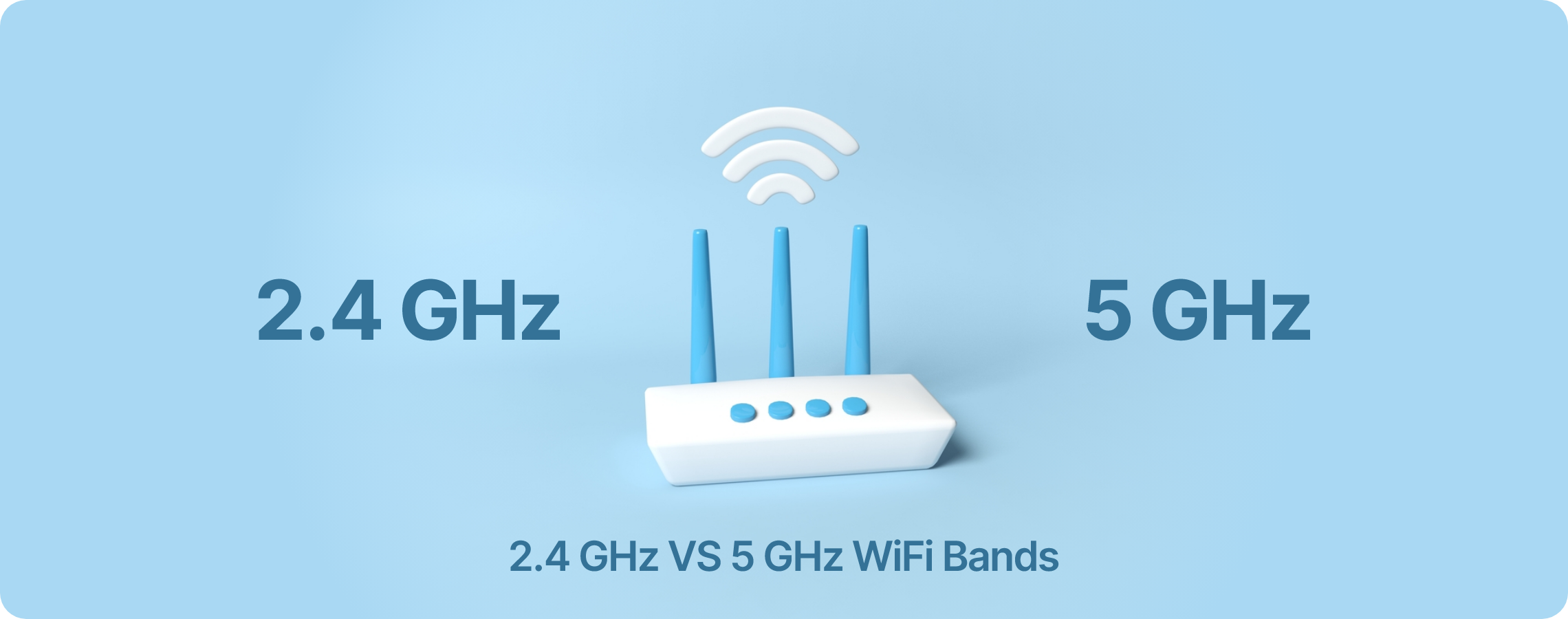
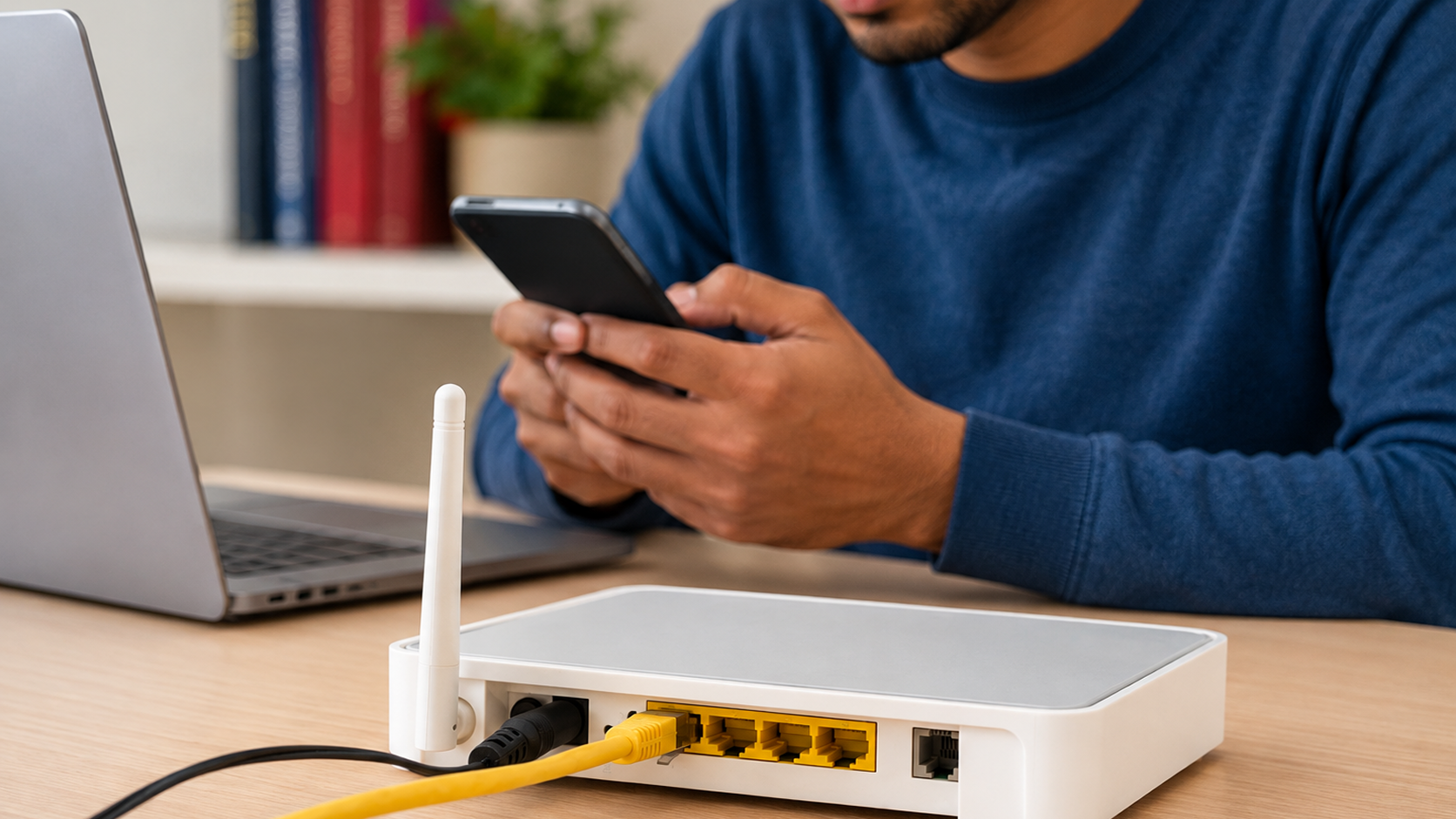
A dual band wifi router broadband setup uses both 2.4 GHz and 5 GHz frequencies. The 2.4 GHz band has wider coverage and is able to penetrate walls. Using 5 GHz can provide faster speeds, especially when devices are nearby.
These two bands help you distribute devices based on location and use. This can decrease congestion on a single frequency. It facilitates easier connectivity in larger apartments.
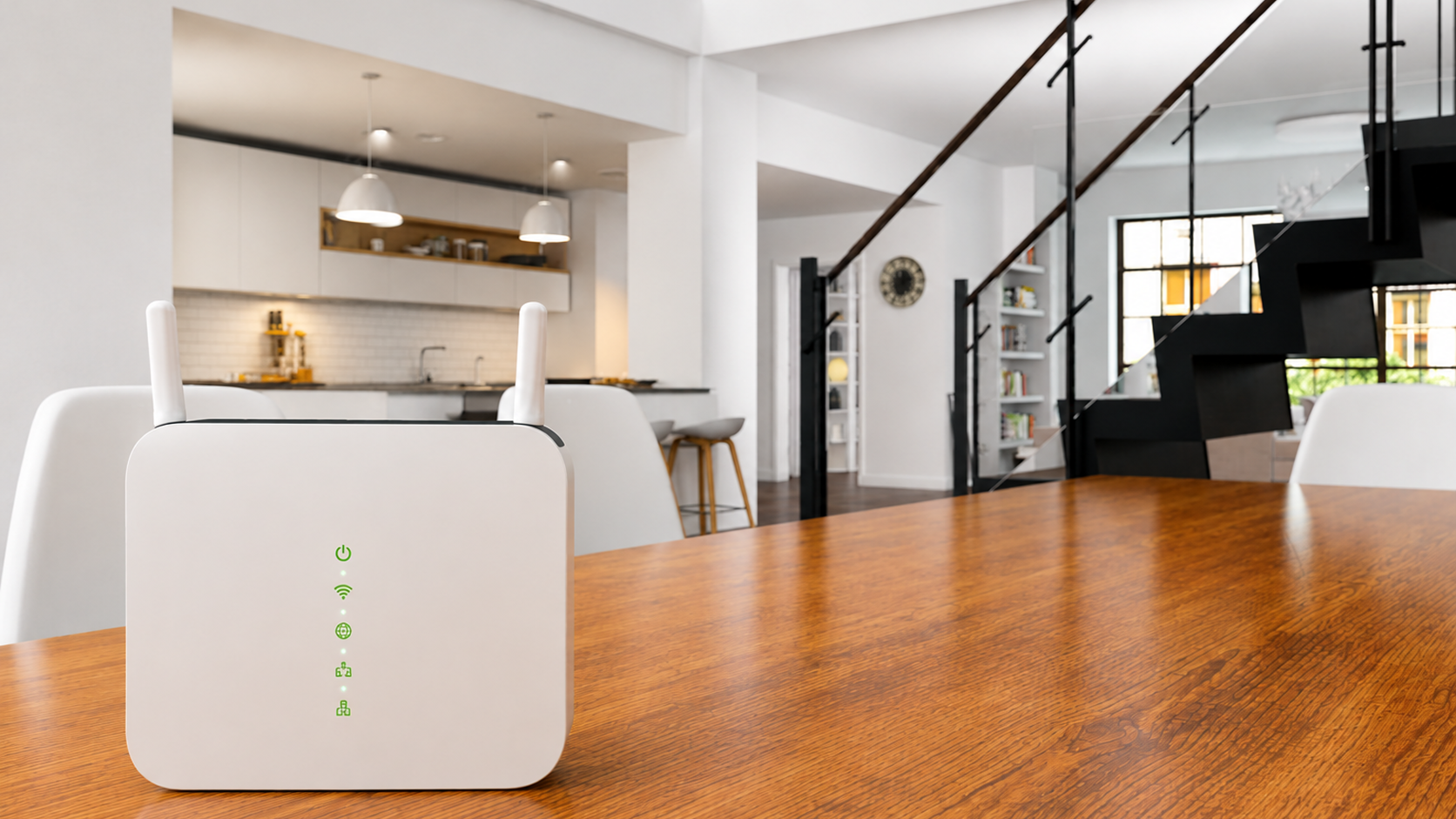
Place the router near the center of your flat for more even signal distribution. This can minimize poor coverage across rooms.
Keep the router elevated and exposed rather than placing it on the floor or inside furniture. This supports wider signal distribution.
Always avoid placing the router close to thick walls and other heavy obstacles. Better positioning will enable a whole home wifi setup mumbai to cover more rooms.
Place your router away from appliances and electronic equipment that may create interference. This can help fix wifi range issues in apartment more effectively.
A home with 20+ connected devices can place greater demand on the network. An effective router assists in handling multiple connections at the same time.
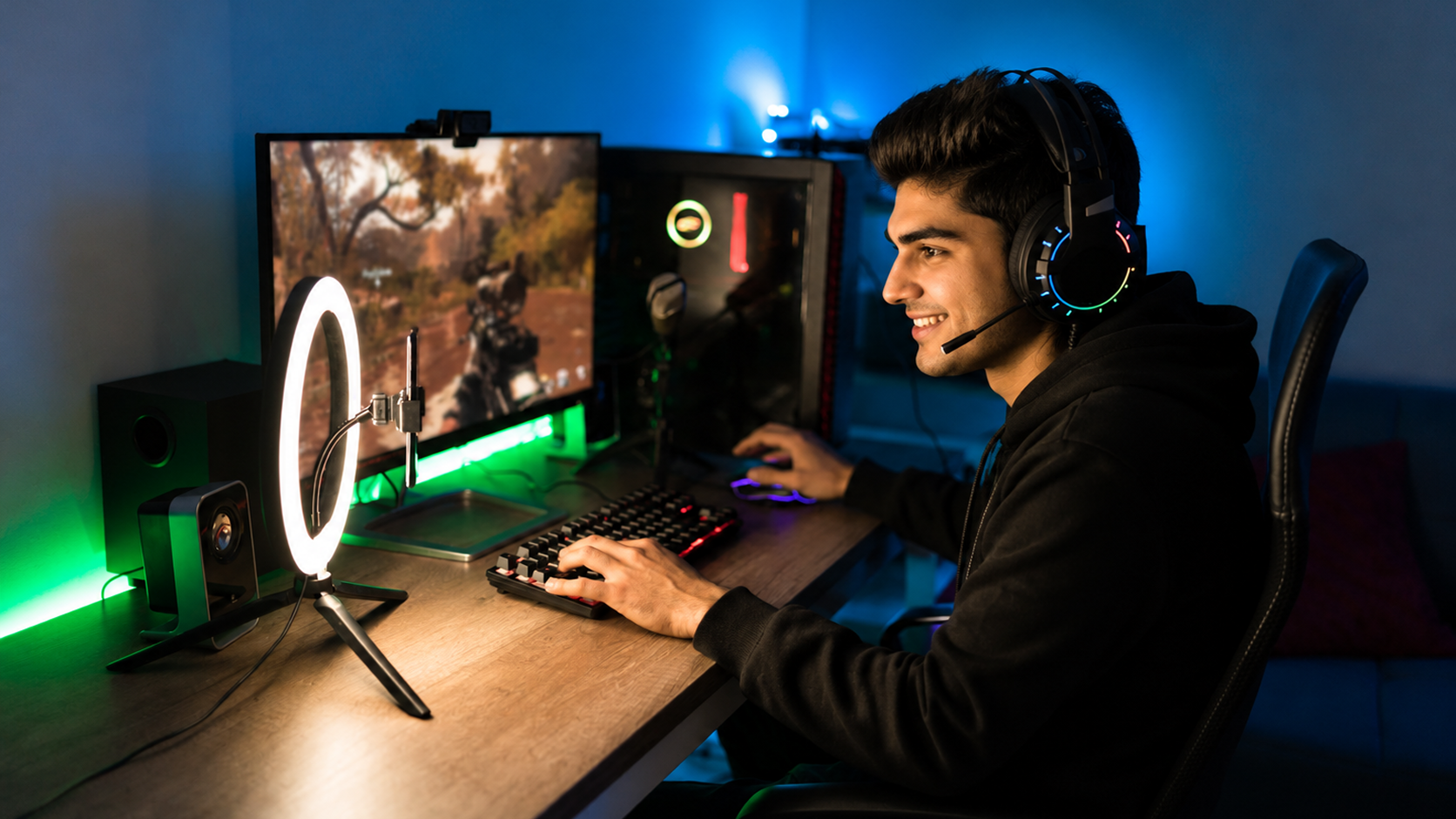
Basic browsing uses less bandwidth than 4K streaming, gaming, and video calls. A dual band wifi router broadband setup can distribute devices across frequencies.
Choose equipment that supports many connected devices without a drastic drop in performance. The best wifi router for 3bhk flat should match household usage.
Allocating devices between 2.4 GHz and 5 GHz can reduce competition on a single frequency. This could be useful in keeping the day-to-day connectivity smooth.
FTTH connection offers a robust basis for a whole-home internet connection. Dual-band equipment can then allocate connectivity among various rooms and devices. The 2.4 GHz band generally offers broader coverage through obstacles.
Meanwhile, 5 GHz can provide higher throughput for nearby devices. Streaming, work, and gaming can be supported using a high speed wifi connection thane. Router placement still affects how effectively coverage reaches each room.
To fix wifi range issues in apartment, keep the router away from common interference sources. Wireless signals can be weakened by metal objects, thick walls, and other electronics around. Place the router in an open, elevated spot to improve coverage.
Keep cabinets and big furniture out of the way of signal paths. Ensure that the devices are not too far away. These modifications can enable more reliable connectivity in the house.
Building a trustworthy whole-home Wi-Fi is more than selecting a high-speed broadband plan. The performance depends on the positioning of the router, frequency choice, and distribution of the devices. Start by identifying weak-signal areas throughout your apartment. Next, place the router in the middle and avoid placing it near interference sources.
When selecting the best wifi router for 3bhk flat, consider coverage and device capacity. Additional access points can help larger homes maintain consistent connectivity.
Whole-home Wi-Fi is not just about selecting high-speed broadband. Coverage is also affected by router placement, frequency selection, and distribution of devices. Dual-band networking is able to balance range and speed amongst various rooms.
With proper configuration, dead zones may be minimized and daily connections enhanced. Homes seeking a high speed wifi connection thane should consider apartment layout and usage. A considerate network configuration facilitates seamless streaming, gaming, work, and smart-home operations.