

Download App







 Nov 26, 2025




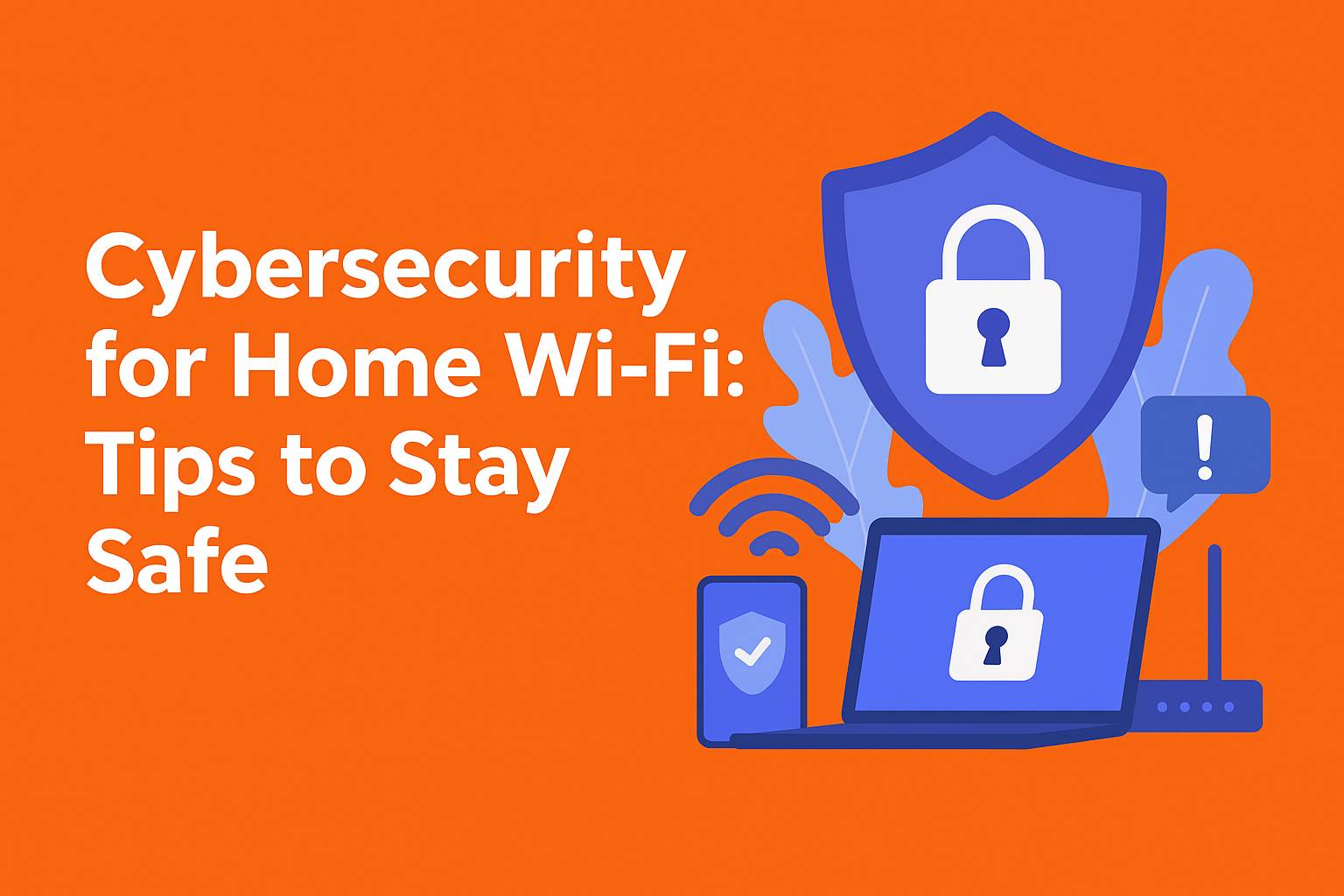
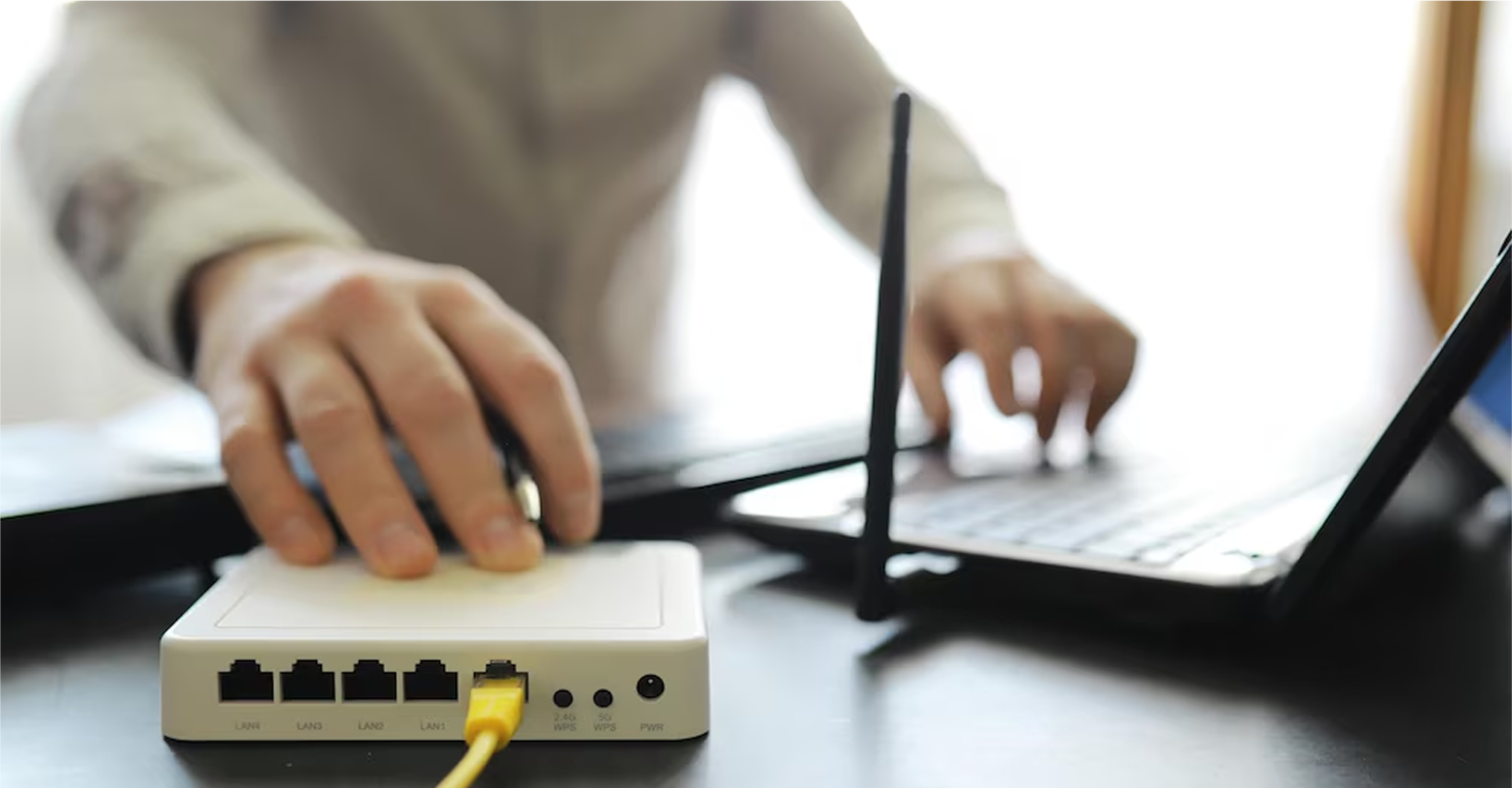
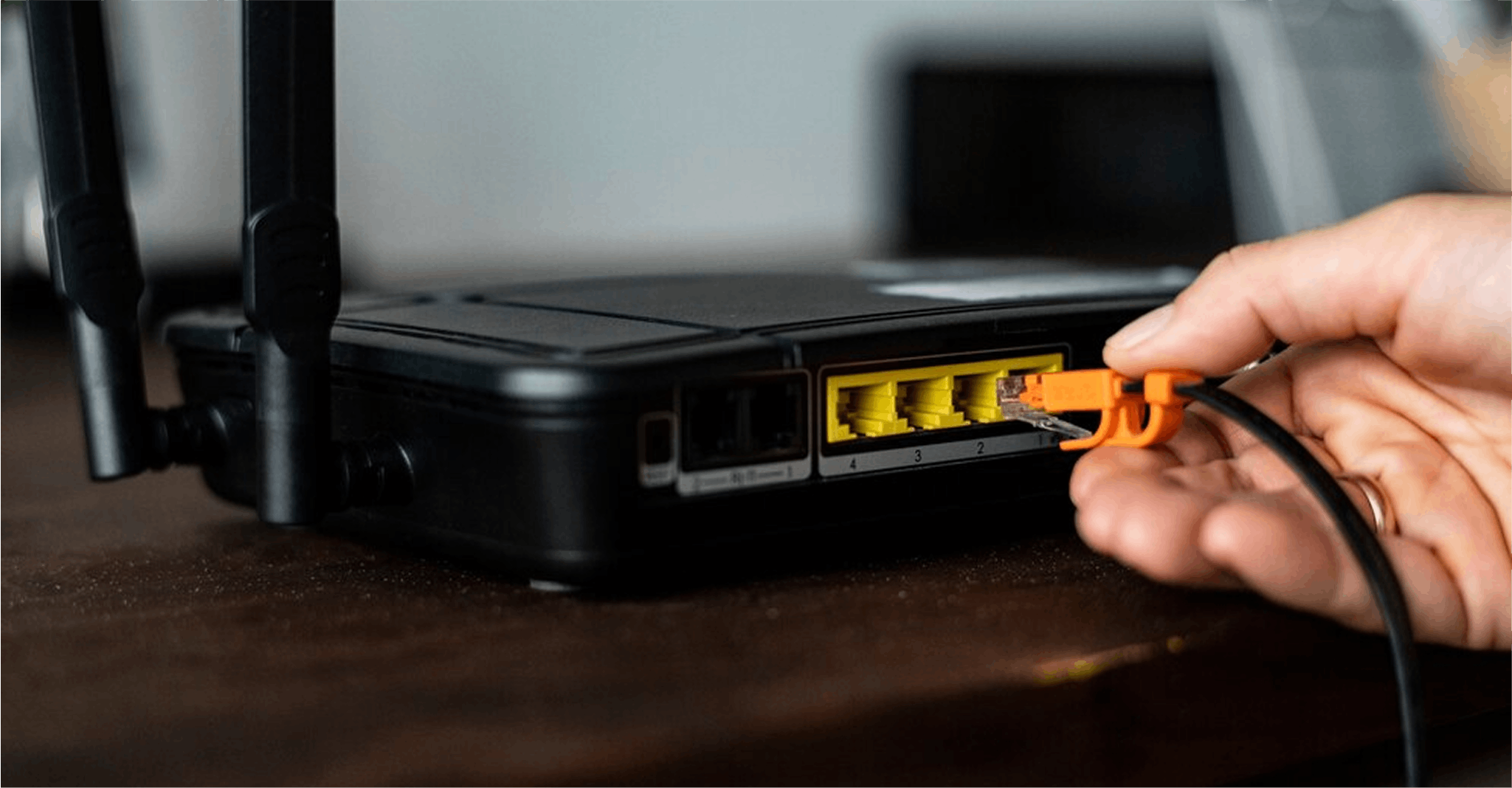
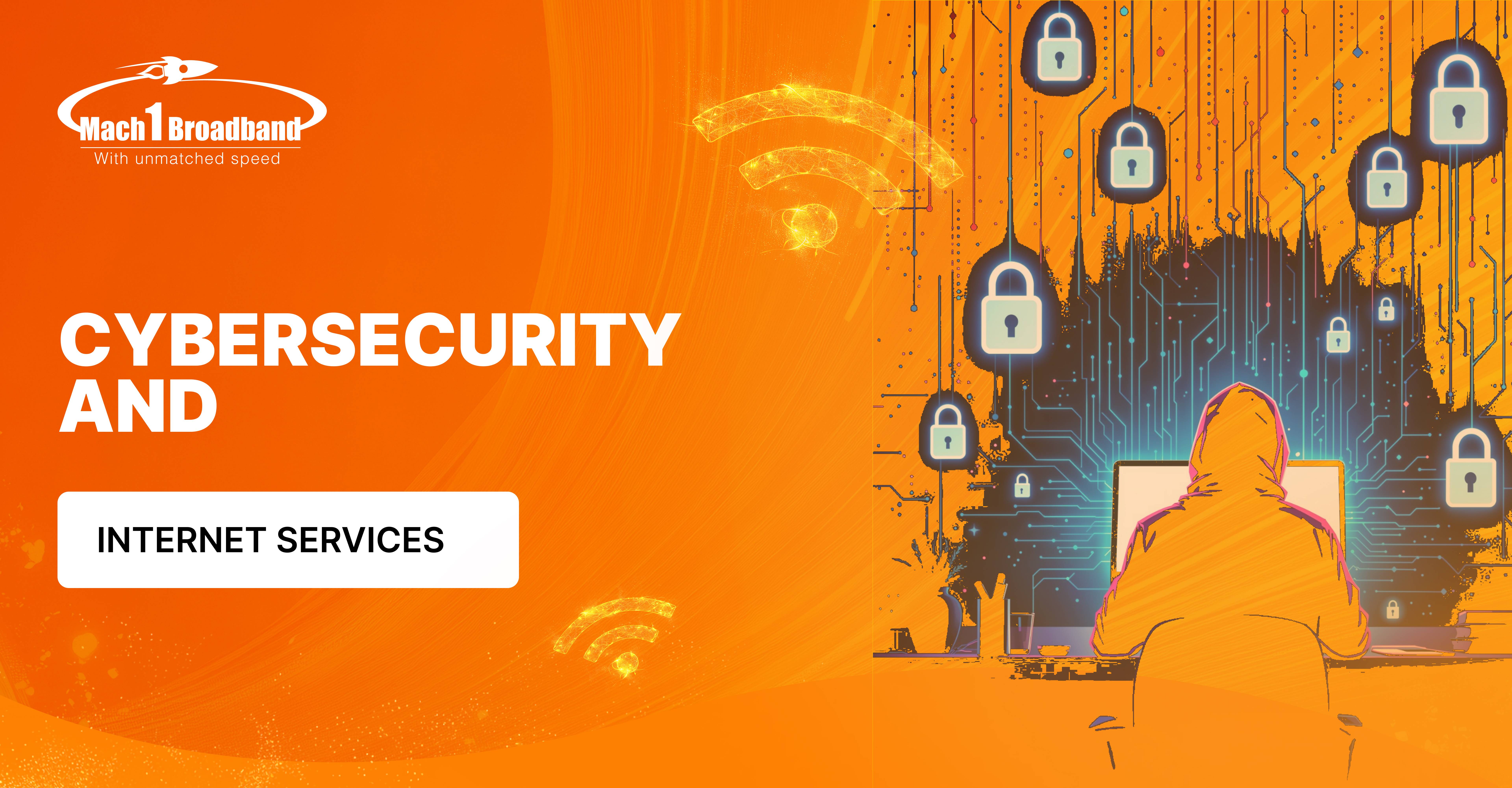
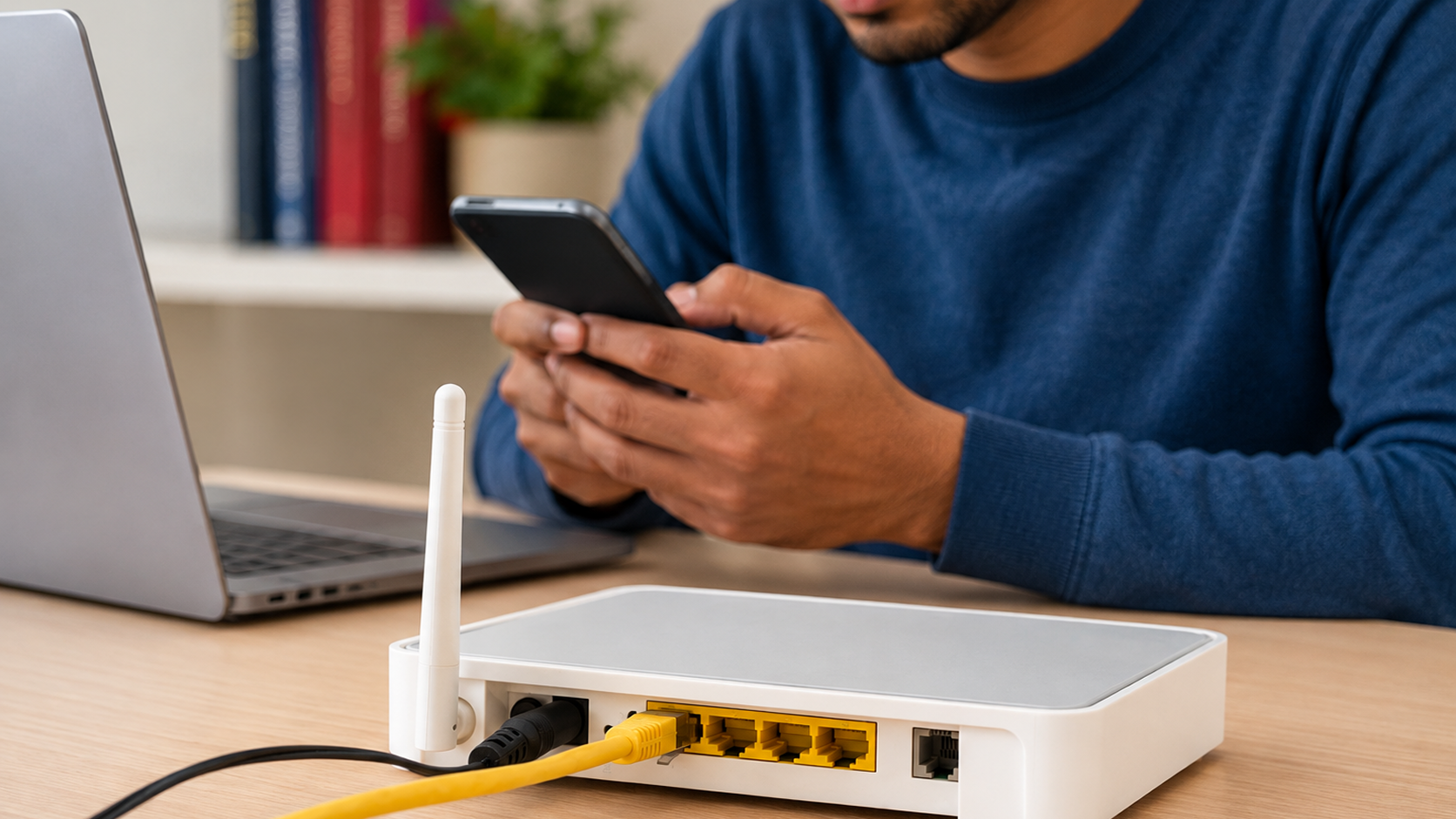
Home Wi-Fi has taken over modern life. Whether it is work, entertainment or online learning, virtually all activities require a reliable internet connection. But as the online activity grows, so does the risk. Most users forget that home networks are the ideal targets of cybercriminals who take advantage of poor settings, outdated equipment, and irresponsible browsing. The best way to ensure that your family is safe online is to strengthen your cybersecurity. By selecting a trustworthy connection with the best wifi internet provider and adhering to effective security practices, you can greatly minimize the possibility of cyber threats.
Most users do not change default router credentials, which allows attackers to easily guess the login information. Hackers are able to gain access to the network settings and completely control your home Wi-Fi.
Old routers have known vulnerabilities that can be exploited by hackers. Unless you update it regularly, your gadget will be an easy target by malware, unauthorized access, and data theft.
Smart cameras, speakers, and doorbells have weak security settings. Without proper security, these devices can be used by the hackers to gain access into your network and spy on your online activities.
Some routers send out data such as network name or type of security. Attackers can determine vulnerabilities and break in with little effort when these settings are not properly configured.
Phones, laptops, TVs and smart appliances are now all linked to one network. The more devices one has, the more he or she is likely to be vulnerable, and the hackers have the chances of invading your system.
Among the easiest measures to increase your cybersecurity is to replace the default username and password of your router. The default credentials (admin or password) are publicly posted on the internet and can be easily guessed by hackers due to the fact that most routers are issued with generic credentials.
Use a powerful password with a combination of both lower and upper letters, numbers, and symbols. Personal information such as birthdays or names should be avoided. It is also prudent to replace your Wi-Fi password on a regular basis and only allow each member of your family to have access to your own, secure network.
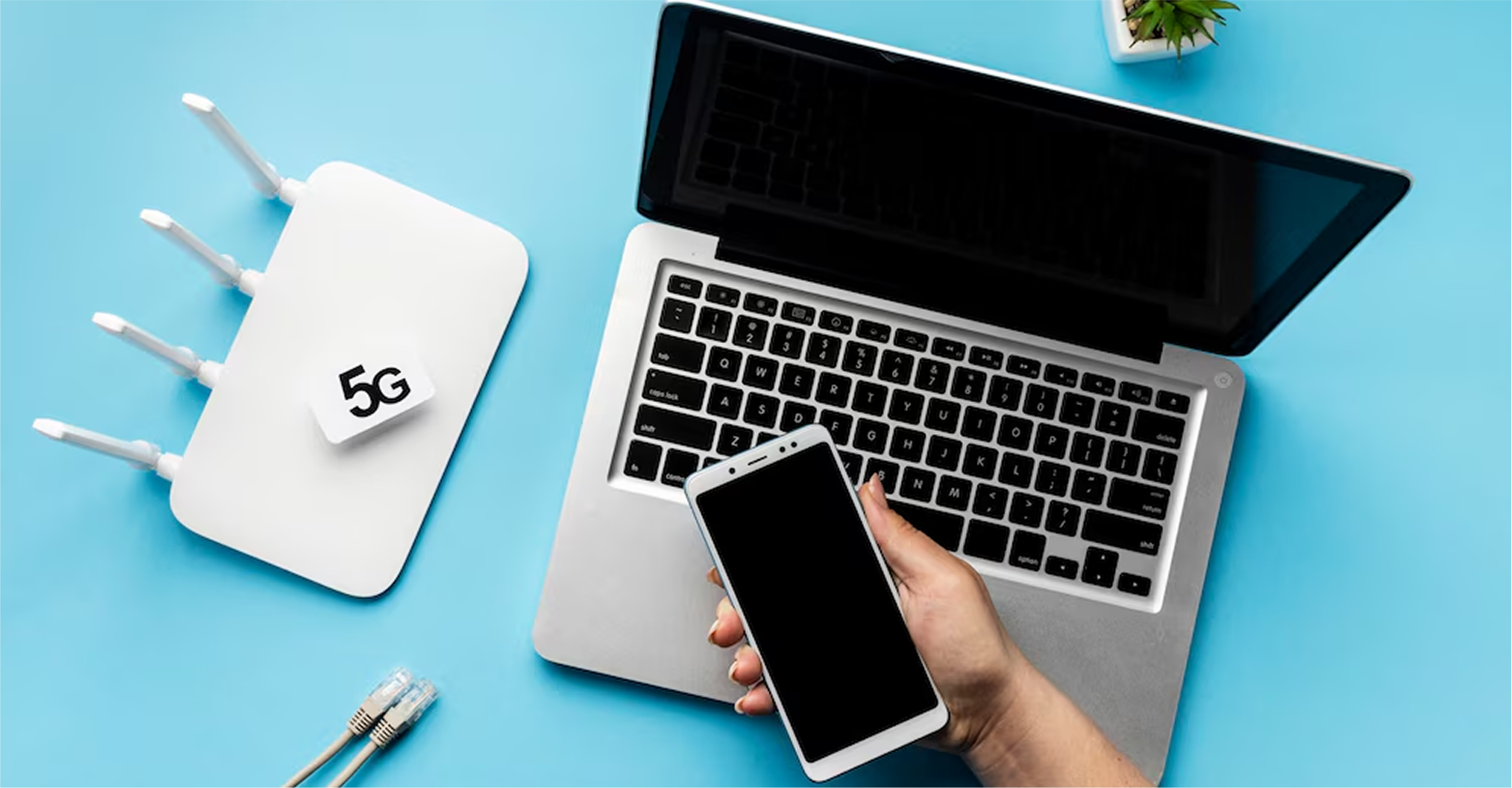
Assuming that your router supports it, you can use WPA3 encryption to be more secure. Earlier forms of encryption are simpler to decrypt and must be avoided. As more providers are offering advanced routers as part of unlimited data wifi plans, it is now easier to gain access to modern security features without needless complexities.
A Virtual Private Network (VPN) is a secure and encrypted tunnel connecting your device and the internet. This keeps off hackers, advertisers and snoopers who would otherwise monitor your actions or steal important information. VPNs are particularly convenient on home networks where several devices are linked, and are more necessary among remote workers who are accessing company files at home.
Combined with a trusted connection offered by Mach1 Broadband, VPNs operate without lagging. Their unlimited data wifi plans are high speed; hence, encryption does not disrupt streaming, gaming, video calls, or big downloads. Installing a VPN on every device such as smartphones and tablets provides an additional level of cybersecurity. This comes in handy whenever one is dealing with financial accounts, shopping online, or any other service that requires personal account information.
Child internet safety is an important aspect of home cybersecurity, as children are more prone to clicking malicious links or downloading unsafe materials. Appropriate settings and tools would greatly minimize the dangers of the Internet and make sure that children use it in a responsible manner.
Enable parental control features on new routers. These applications prevent access to dangerous websites, limit adult content and allow to control screen time, which gives younger users a safer online experience.
Activate built in restrictions on phones, tablets, and computers. These settings limit app downloads, disable unsafe features, and prevent kids from accessing inappropriate apps or unapproved websites.
Turn on Google, YouTube, and browser safe search features. These filters that automatically block explicit content, unsafe videos and misleading information that children can accidentally view when browsing.
Educate children not to click on unfamiliar links, pop-ups, or suspicious messages. Making them aware of the simple online threats is a way of creating awareness and making them adopt safe and considerate online browsing patterns.
Update operating systems, browsers, and security software frequently. Updated devices include the latest security patches, reducing vulnerabilities that attackers often exploit on older or unpatched systems.
A secure home network relies on consistent attention and smart cybersecurity practices. Adding a VPN to your Mach1 Broadband connection enhances privacy, while teaching children safe browsing practices reduces online risks. Choosing the best wifi internet provider ensures a stable and dependable connection, helping your household stay safe, informed, and protected across all digital activities.